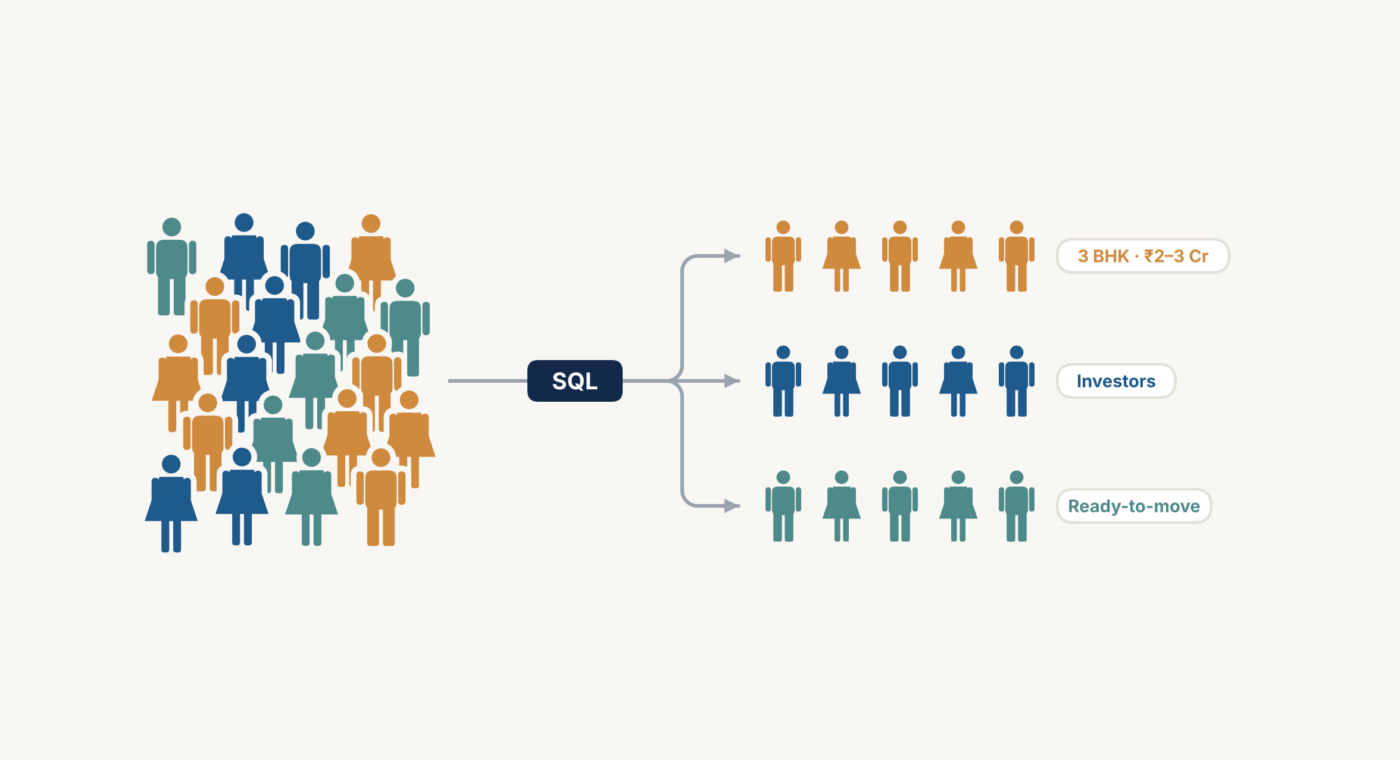
From Raw Lead Data to Smart Audience Segments
Overview
Every lead form we ran on Meta and Google asked buyers what they wanted: configuration, budget, location, purpose. That data was sitting with the client, unused. We set out to turn it into sharper targeting.
Problem statement
- Lead data came from the client as one large, unfiltered sheet with dozens of columns
- Lead quality (junk, qualified, site visit proposed, site visit done) sat in a separate CRM file
- Campaigns treated every lead the same, whether it was a serious buyer or a random form fill
Approach
1. Cleaned and connected the data
Used SQL to pull only the columns that mattered: contact details, configuration, budget, location, purpose, possession preference, buying timeline, lead source, enquiry date, and project
Removed blanks, duplicates, and invalid entries
Joined the lead data with the CRM status file, so each lead showed both what they wanted and how serious they were
2. Built segments around how people actually buy property
Configuration: 2, 3, 4, 5 BHK
Budget band: e.g. ₹1.5–2 Cr, ₹2–3 Cr, ₹3 Cr+
Location: city and micro-market
Purpose: end-use, investment, commercial
Lead quality: junk, qualified, site visit proposed, site visit done
3. Used every segment for a specific job
Lookalikes built from our best leads, so platforms could find more people like them
Retargeting with matching creatives: someone looking for a 3 BHK in a specific micro-market saw exactly that, not a generic ad
Separate messaging for qualified leads to move them toward a site visit
Exclusion list of junk leads (random fillers, job seekers, no buying intent), so we stopped paying to reach them
Cross-project selling: buyers in a ~₹2 Cr budget were shown other projects in the same city and price range
Regular uploads to Meta and Google so their algorithms kept learning what a good lead looks like
4. Let the call center shape the next round
When call-center lost reasons kept pointing to budget or location mismatch, we fixed it at the source:
Added sharper budget and location questions to the lead forms
Made price, configuration, and location more prominent on creatives
Buyers who didn’t fit filtered themselves out before filling the form.
What This Changed
Targeting was now built on what buyers told us, not on assumptions
Messaging matched each buyer’s stated preference
Fewer mismatched leads reached the call center
Platforms were learning from lead quality, not just lead volume
The Thinking Behind It
Good targeting doesn’t always need more data. It needs the data you already have, organized well and actually put to use.